 © FARO
Support
Licence renewals
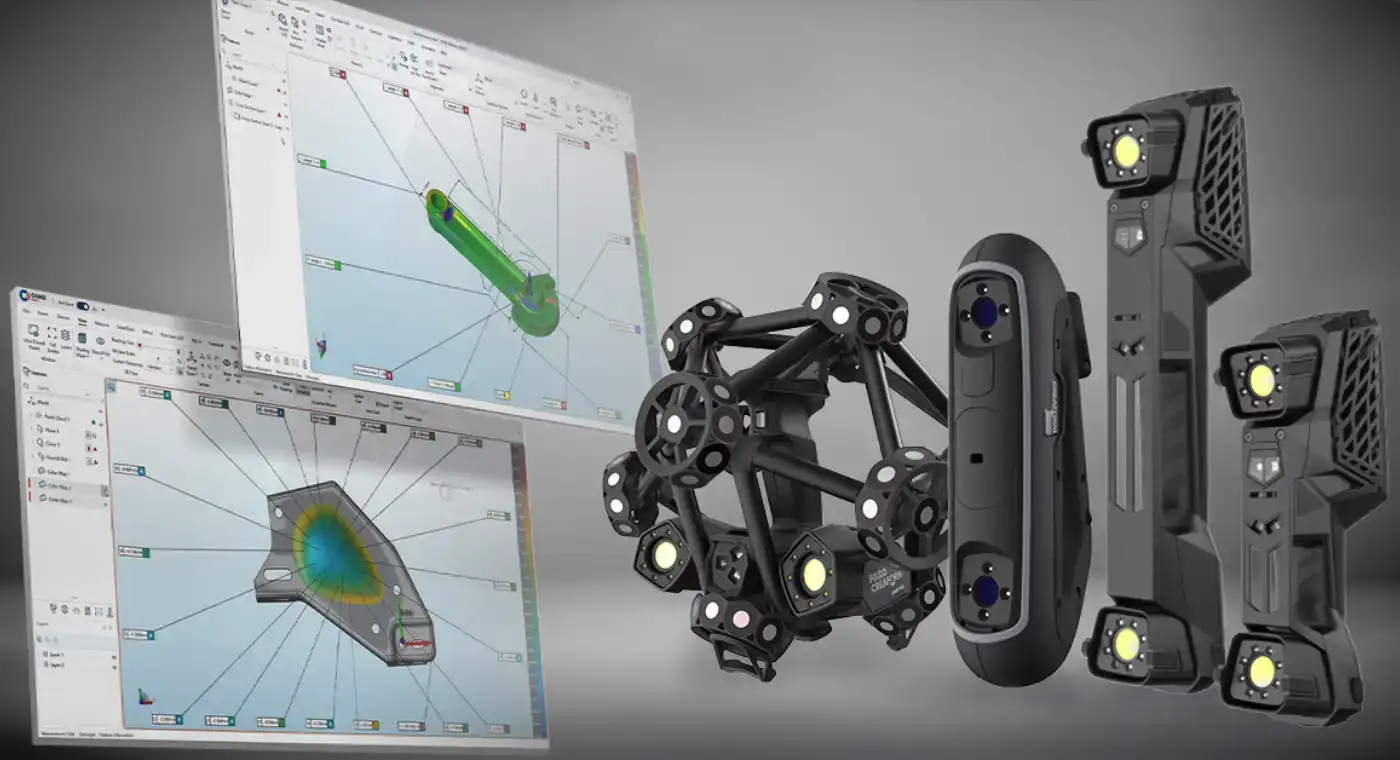
Licence renewals, updates and subscriptions for FARO CREAFORM, FARO INSIGHT, VIRTEK and Peel 3D software — on time and without interrupting your work.
Formats
What we renew
Maintenance and updates
CAM2, SCENE, As-Built, BuildIT, Creaform Metrology Suite and other software.
Subscriptions
The Sphere XG cloud platform and FARO subscription models.
Care plans
FARO CREAFORM CCP plans with software updates and e-learning.
Add-on modules
New modules and extra seats for a growing team.
Process
How renewal works
- 01
Request
Software, licence number and expiry date.
- 02
Quotation
Price and available options.
- 03
Payment
An invoice to your company.
- 04
Activation
Licence renewed — we help with activation.
In your request, include the software, licence or serial number and expiry date — that lets us prepare the quotation faster.
FAQ
Frequently asked questions
Where do we find the licence number?
In the software's “About” section or the manufacturer's customer portal; if not, send us the equipment serial number.
What if the licence has expired?
It depends on the licence type and the manufacturer's terms — we will explain how to restore it in your case.
Can we switch to a subscription?
Several FARO programs offer a subscription model — we will help compare the options.
Can we use our own computer for the software?
Yes, if it meets the manufacturer's requirements — they are listed on each product page. For FARO CREAFORM systems, a computer not purchased from the manufacturer must be approved by FARO CREAFORM support before purchase — we will help with the approval or offer an approved configuration.
Support
Other support pages
Contact us
Tell us what you need
Write or call — we will help and suggest the best solution.
The button opens your e-mail program: the subject and product are already filled in, just add a few details.
We communicate in Latvian, English and Russian.