Peel.OS
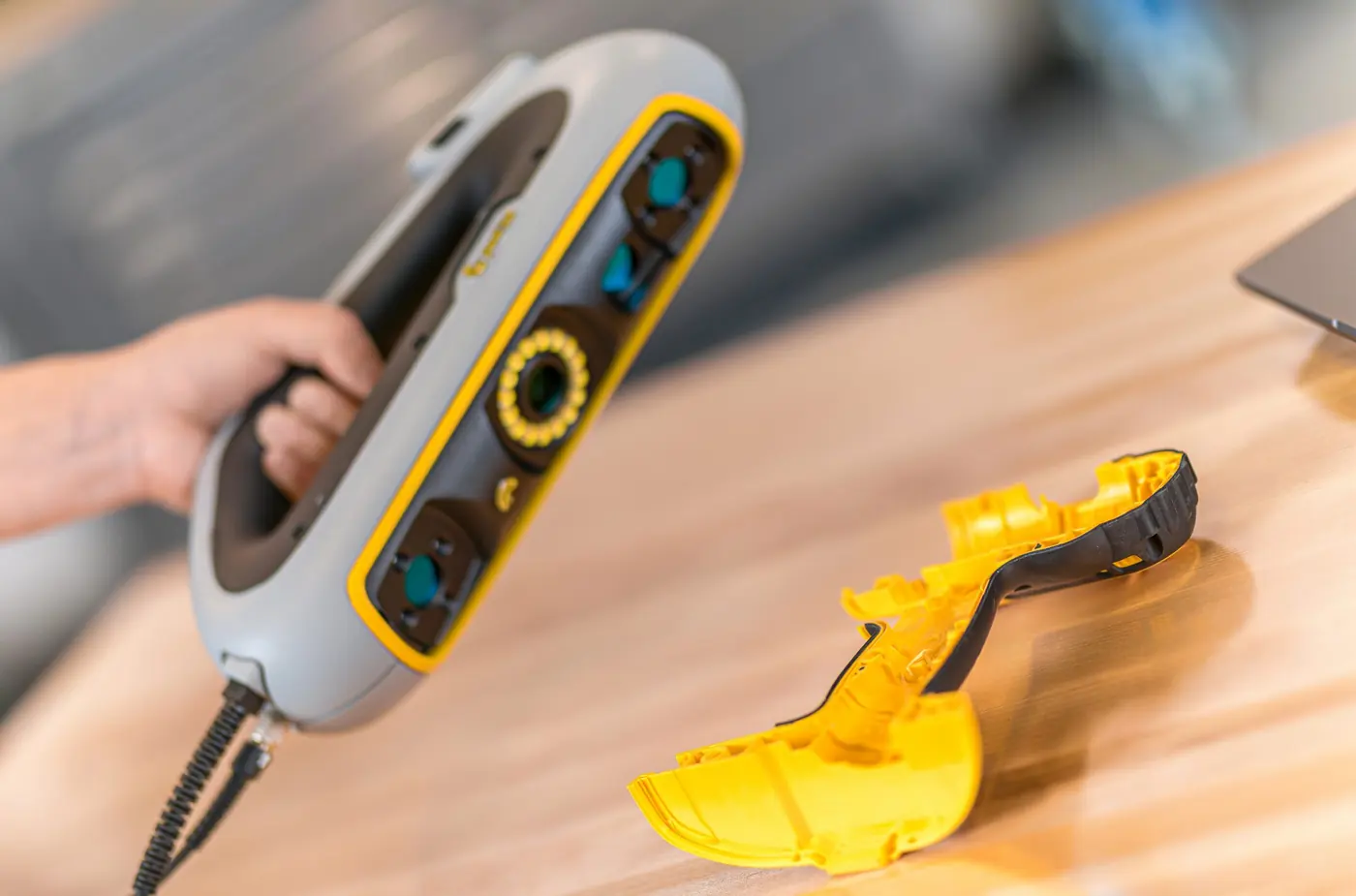
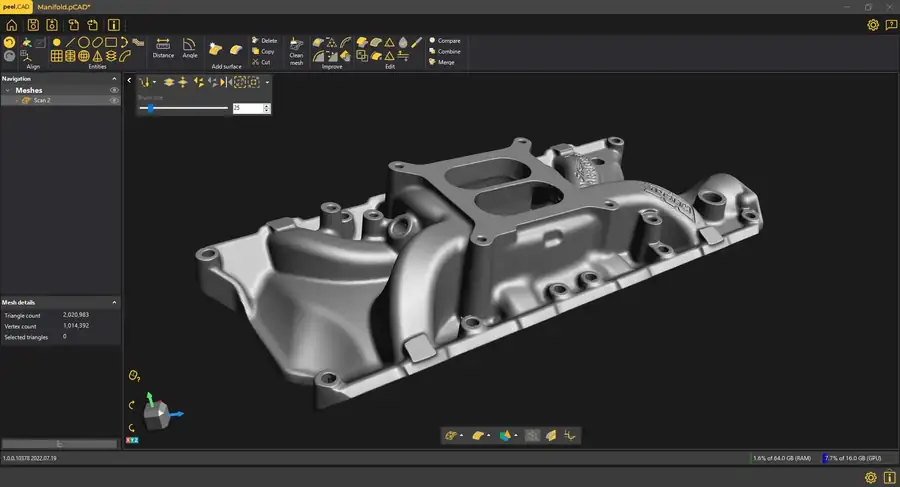
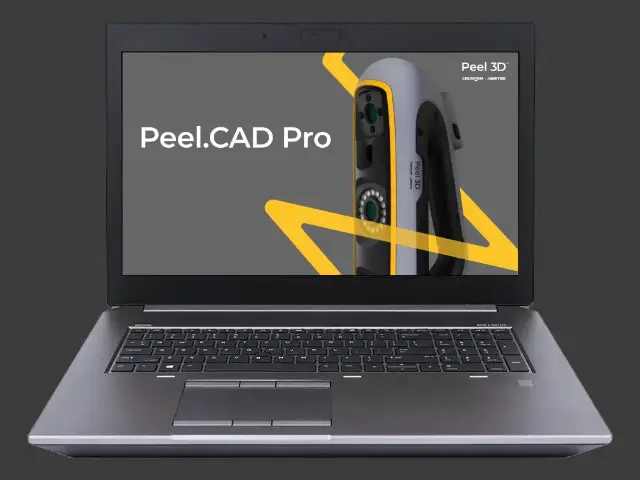
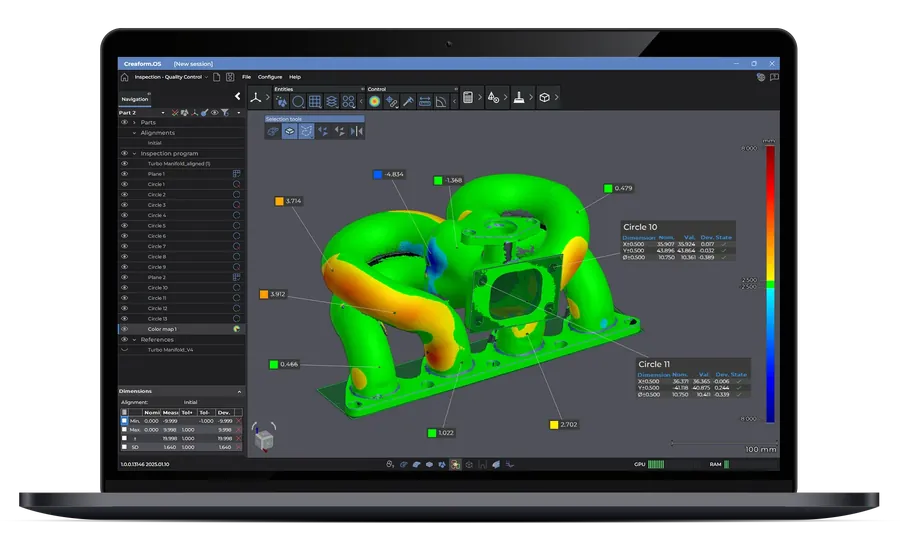
Peel 3D scanning software that guides you through scanning, clean-up, merging, alignment and export; included with every scanner.
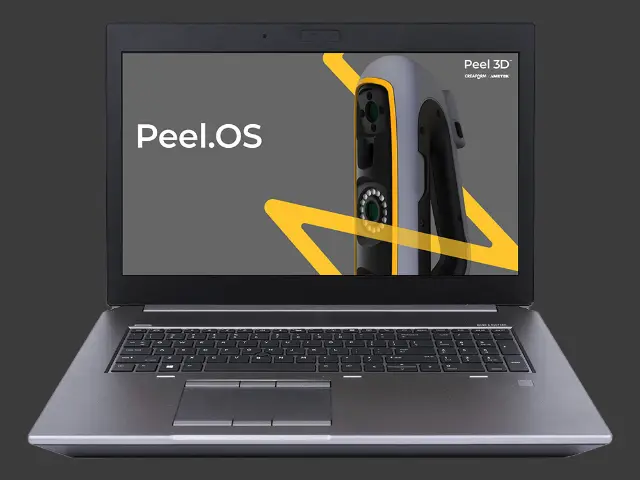 © Peel 3D
| Included | with every Peel 3D scanner |
|---|---|
| Modules | Fill, Merge, Align, Smooth, Decimate, Colorize |
| Operating system | Windows 11, 64-bit |
| System requirements | NVIDIA GPU, 16 GB RAM (min.) |
Software
Computer requirements
Peel 3 and Peel.OS / Peel.CAD
| Minimum | Recommended | |
|---|---|---|
| Operating system | Windows 11, 64-bit | Windows 11, 64-bit |
| Processor | Intel Core i7 (6 cores), 2.3 GHz | — |
| RAM | 16 GB | 32 GB |
| Graphics | NVIDIA, 6 GB | NVIDIA RTX 3070 (8 GB) or better |
| Storage | — | 512 GB SSD |
An NVIDIA graphics card is required; 32-bit systems are not supported. The software may run on Windows 10, but it is not tested by the manufacturer. Source: Peel 3 and Peel 3D Software 3.0 manuals.
Advantages
Why Peel.OS
Step by step
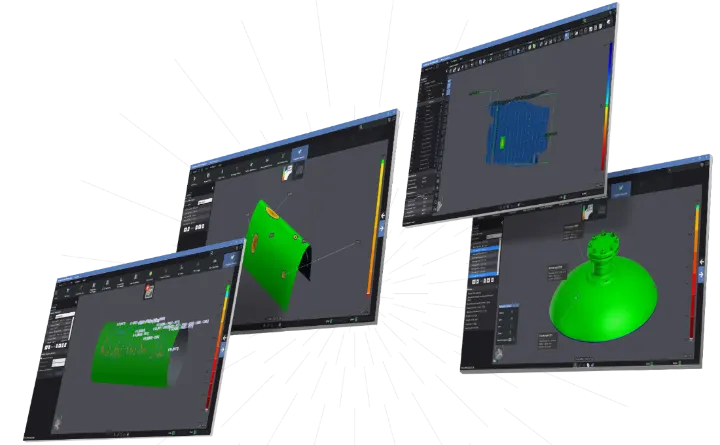
Eight steps from parameters to export.
Automatic clean-up
The work surface is detected and removed automatically.
Shape-based alignment
Scans align automatically or by your own criteria.
Free updates
No yearly fees; software updates are free.
Enquiry
Request a quote: Peel.OS
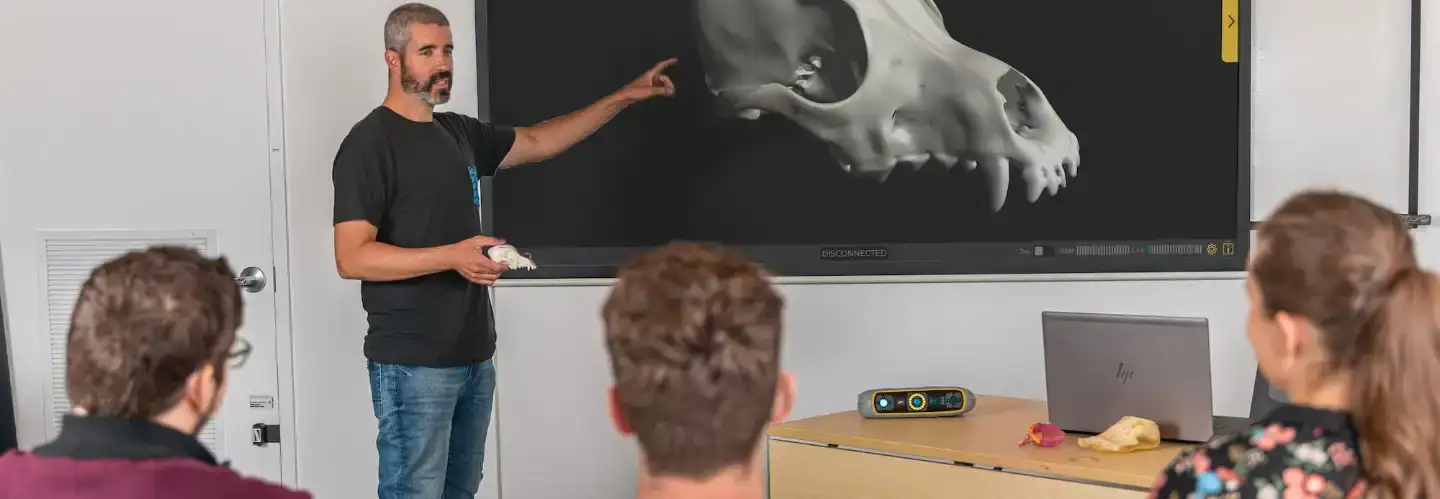
Configuration, delivered price, a demo in Riga, training and support.
The button opens your e-mail program: the subject and product are already filled in, just add a few details.
We communicate in Latvian, English and Russian.