Peel 3 Pro.CAD
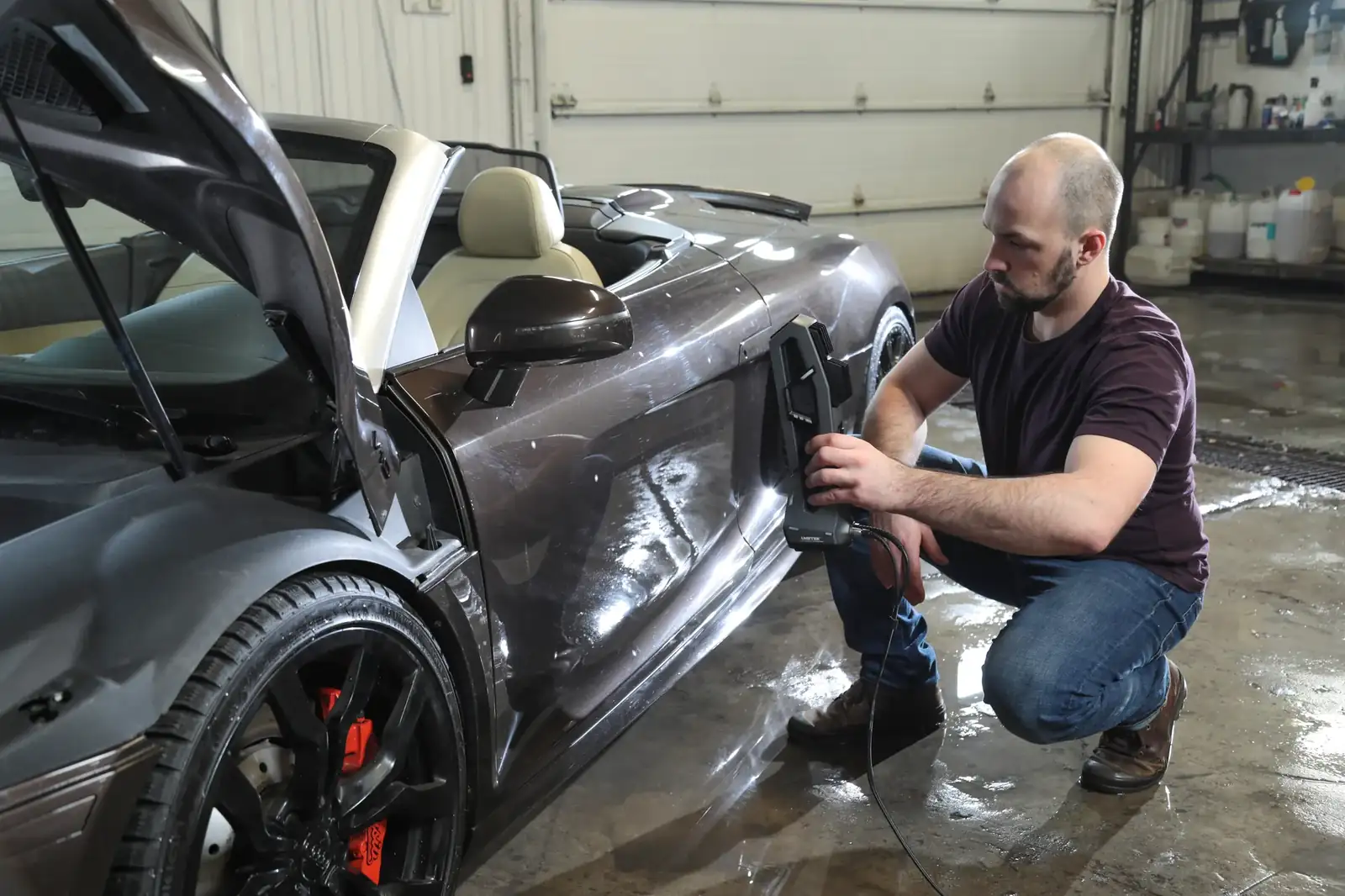
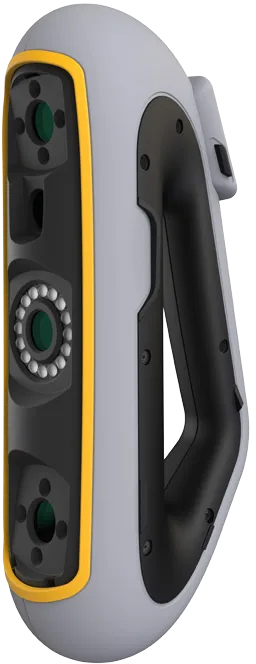
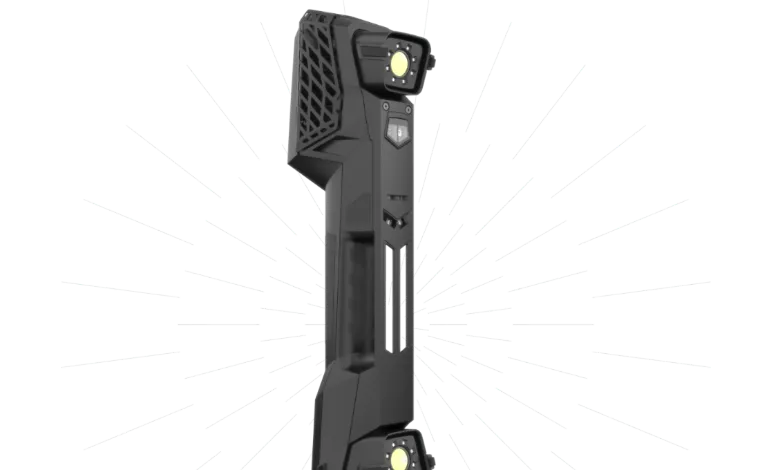
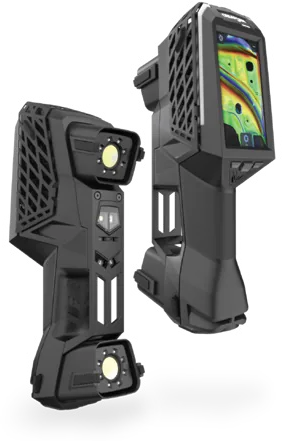
The Peel 3 handheld 3D scanner bundled with Peel.CAD Pro — a complete scan-to-CAD workflow from scanning to an editable solid model.
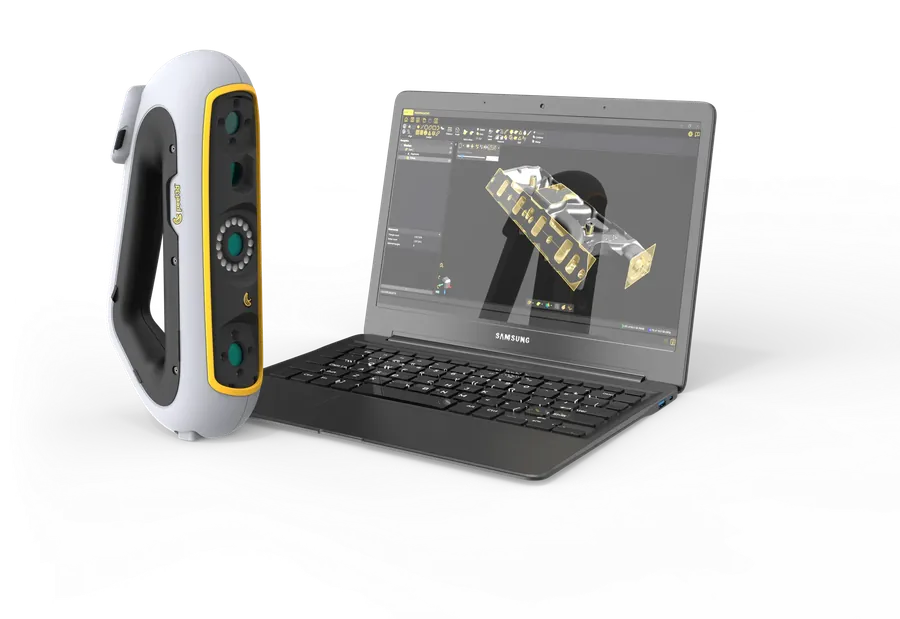 © Creaform · Peel 3D
| Accuracy | up to 0.050 mm |
|---|---|
| Volumetric accuracy | 0.050 mm + 0.100 mm/m |
| Measurement rate | 1,250,000 measurements/s |
| Scanning area | 340 × 475 mm |
| Recommended object size | 0.1–3.0 m |
| Weight | 950 g |
| Export formats | STEP, IGES, STL |
| Included licences | permanent Peel.CAD Pro licence |
| Operating temperature | 5–40 °C |
| Ingress protection | IP50 |
| Laser class | Class 1 (IR VCSEL, 850 nm) |
| Compliance | CE, FCC, WEEE |
Software
Computer requirements
Peel 3 and Peel.OS / Peel.CAD
| Minimum | Recommended | |
|---|---|---|
| Operating system | Windows 11, 64-bit | Windows 11, 64-bit |
| Processor | Intel Core i7 (6 cores), 2.3 GHz | — |
| RAM | 16 GB | 32 GB |
| Graphics | NVIDIA, 6 GB | NVIDIA RTX 3070 (8 GB) or better |
| Storage | — | 512 GB SSD |
An NVIDIA graphics card is required; 32-bit systems are not supported. The software may run on Windows 10, but it is not tested by the manufacturer. Source: Peel 3 and Peel 3D Software 3.0 manuals.
Advantages
Why Peel 3 Pro.CAD
Sketching and modelling
Constrained section sketches become solid bodies.
NURBS surfaces
Freeform surfaces, fitted automatically or by hand.
Deviation analysis
A colour map compares the model with the scan in real time.
Timeline to SOLIDWORKS
The complete operation timeline transfers into SOLIDWORKS.
Enquiry
Request a quote: Peel 3 Pro.CAD
Configuration, delivered price, a demo in Riga, training and support.
The button opens your e-mail program: the subject and product are already filled in, just add a few details.
We communicate in Latvian, English and Russian.