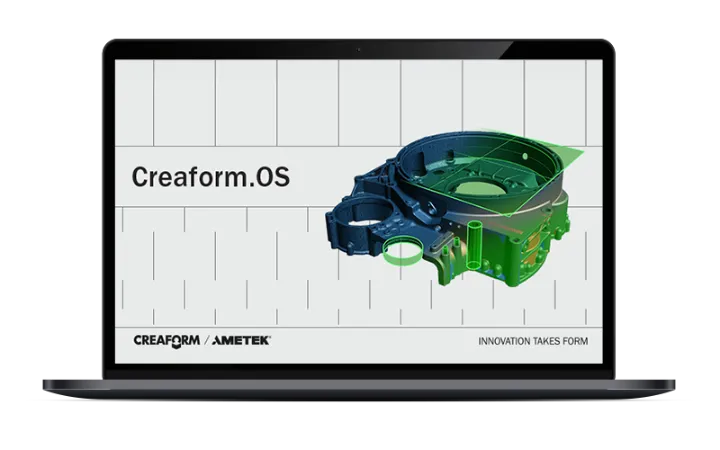
Creaform.OS
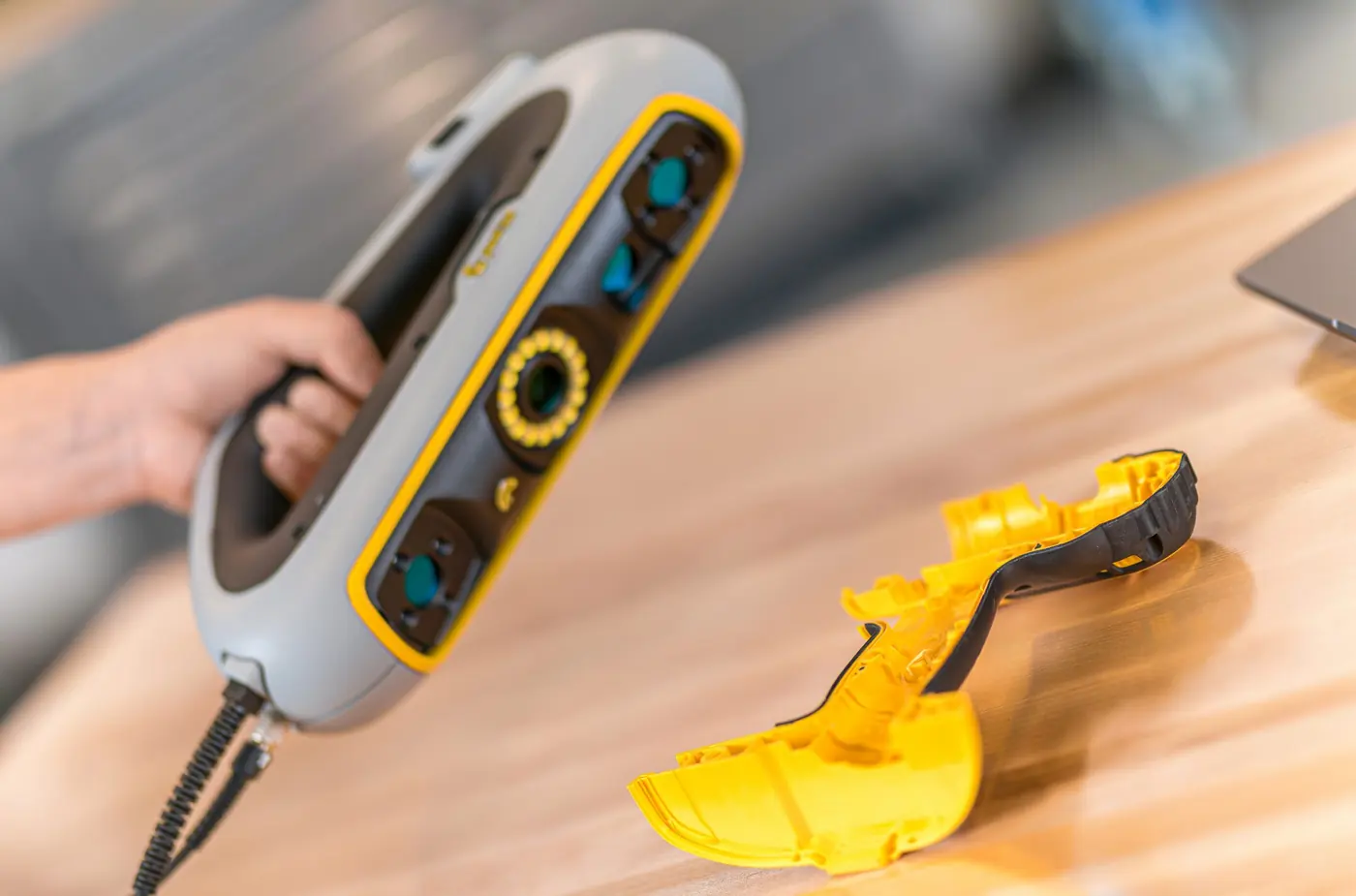
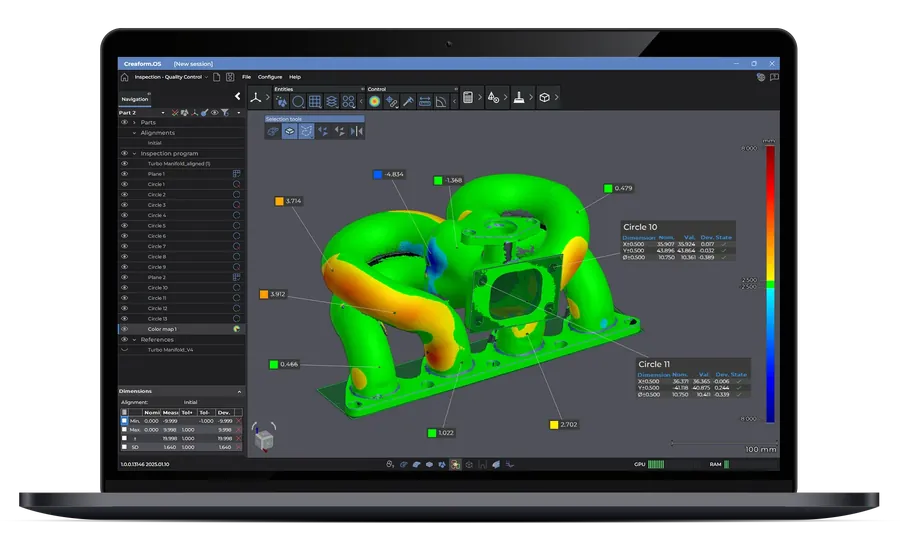
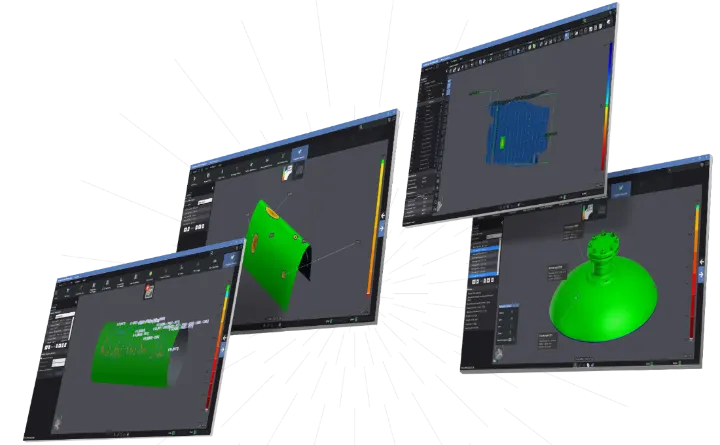
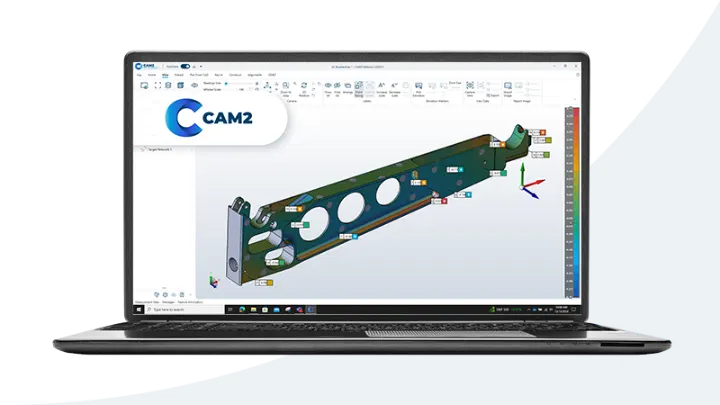
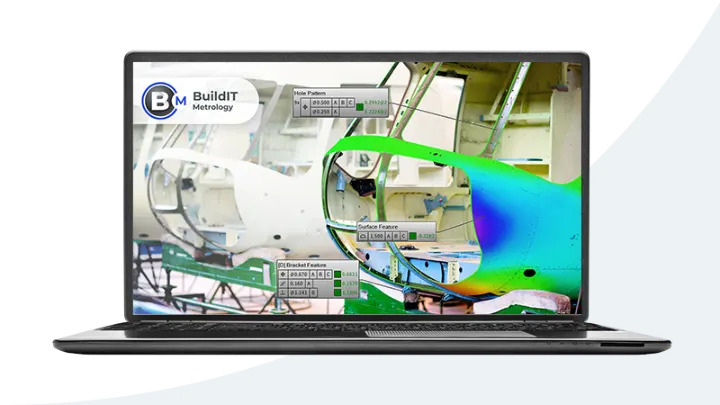
Integrated 3D measurement operating software for data acquisition, supplied with every FARO CREAFORM 3D scanner and optical CMM.
 © Creaform
| Included with | all FARO CREAFORM devices |
|---|---|
| Modules | Scan, Probe, Photogrammetry |
| Formerly | VXelements |
| Viewer | Creaform.OS Viewer |
Software
Computer requirements
For FARO CREAFORM scanners and Creaform.OS
| Minimum | Recommended | |
|---|---|---|
| Operating system | Windows 11, 64-bit | Windows 11, 64-bit |
| Processor | Intel Core i7 (6+ cores), 2.5 GHz | Intel Core i7 (8 performance cores) |
| RAM | 32 GB | 64 GB |
| Graphics | NVIDIA, 6 GB, OpenGL 4.5 | High-end NVIDIA, 16 GB VRAM |
| Storage | SSD, at least 200 GB free | 1 TB SSD |
Only NVIDIA graphics cards with CUDA compute capability 7.5 or higher are supported. A computer not supplied by FARO CREAFORM must be approved by FARO CREAFORM support before purchase — we will help with the approval or offer an approved configuration. Source: HandySCAN EVO, MAX EVO, MetraSCAN and Creaform.OS 2.2 manuals.
Advantages
Why Creaform.OS
Hardware synergy
Software and device work as one system during acquisition.
Workflow-based interface
Functions grouped by the main steps of each application.
Customisable workspace
Home page, menus and toolbars adapt to the application.
Built-in onboarding
Tutorials and tips help new users get started quickly.
Enquiry
Request a quote: Creaform.OS
Configuration, delivered price, a demo in Riga, training and support.
The button opens your e-mail program: the subject and product are already filled in, just add a few details.
We communicate in Latvian, English and Russian.